Blog by Phoebe Plant
The Spotify Effect: How AI Is Impacting UX
8 min read
Author: Emily Woolley
6 min read
Whenever I explain to my friends and family that I work in the digital accessibility space, the general response seems to be "well, what is digital accessibility?".
The way I summarise it is by saying,
"Imagine you are a wheelchair user trying to get into a restaurant that has a staircase to the front door. The restaurant must make sure there is some method, such as a lift or ramp, in place for wheelchair users to be able to access the building.
Now apply that same logic to a website; if someone is blind and reliant on a screen reader to access a webpage, the page needs to be defined appropriately to ensure that the user can navigate it. That's where I come in to confirm whether the page is accessible".
This seems to help paint the general picture of what myself, and the wider UX team, do in digital accessibility.
Whilst we're defining what digital accessibility is, I can offer up a more formal definition from AbilityNet:
"Digital accessibility, or web accessibility, is about universality and making websites and digital services that can be accessed and used by everyone - people on different devices, in different environments and with different abilities".
Similarly, we in the Boxfusion UX Team define digital accessibility as
"Ensuring everyone, especially users with disabilities, can use a service or product to do what they need to in a similar time and effort as those without a disability".
The slight distinction with our definition is that we believe it's important that all users can complete their tasks in a similar timescale, no matter their ability. For instance, it's all very well having webpages being accessible for keyboard users, but if the method of getting to simple components can only be accessed through complicated keyboard shortcuts, that is still not an equal experience and why we take our definition further.
Whether you're from the UX space and were seeking further clarification on digital accessibility, or someone mentioned digital accessibility in a conversation and you nodded along like you understood, but are secretly searching it up now, hopefully I've answered your question!
However, I'd recommend you keep on reading, as I will be delving further into the topic of digital accessibility, by looking at why it is important, who it benefits and what accessibility compliance rules exist.
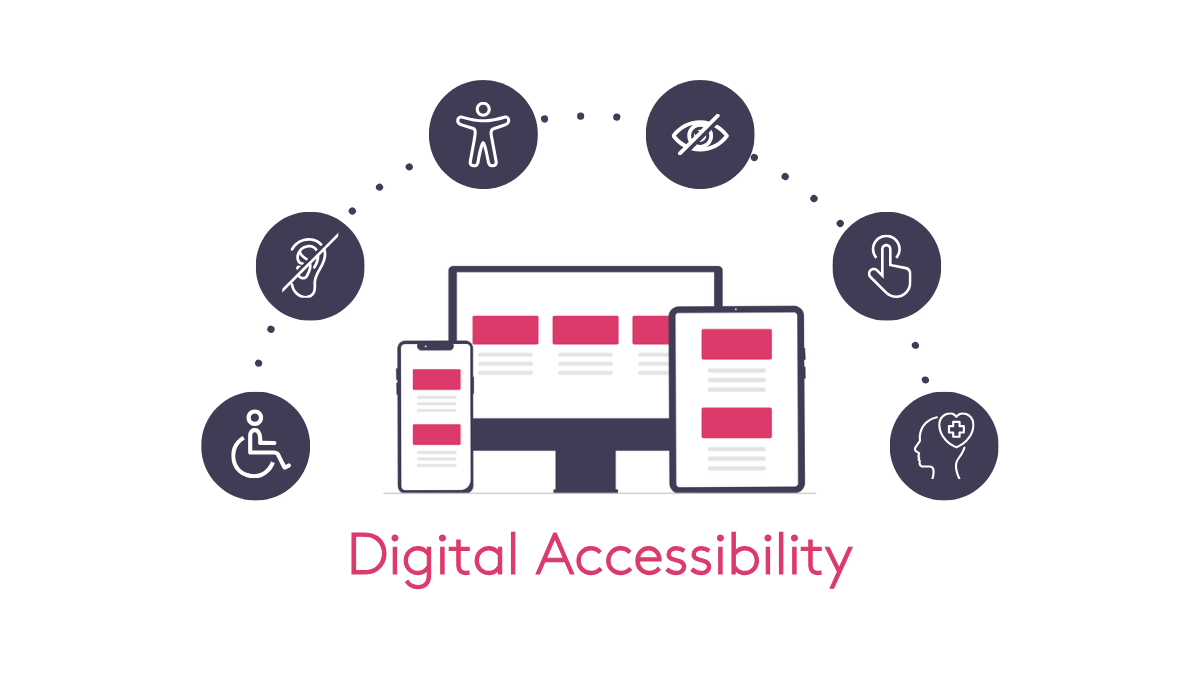
Digital accessibility benefits those who have access needs the most, ensuring these users can utilise pages no matter their impairment.
This includes people who have the following:
For example, for users who are visually impaired, the digital accessibility standards ensure that web pages can be accessed using assistive technology that processes the page and conveys the information to these users.
For users who are deaf, the digital accessibility standards require that any audio content is conveyed in another medium so these users can perceive the information. For users with physical impairments, the digital accessibility standards require that anything that can be achieved with a mouse can be achieved with a keyboard too. The list of course, goes on, but these are a few examples on how those with disabilities benefit.
Something to note is that, more broadly, improved accessibility benefits everyone from all walks of life!
If you are working at a customer service center where you are answering calls and inputting people's information into a database, you will likely have rows of fields that need to be filled in. Sometimes using your keyboard and clicking tab is easier to cycle through each of the fields to get to the one you want rather than using your mouse. However, if the fields are not accessible via a keyboard, you will not be able to access the fields this way after all, impacting your efficiency at completing these tasks.
In a similar vein, if you broke your arm and were no longer able to utilise a mouse until your hand had healed, you would likely have to rely on your keyboard. Whilst a temporary ailment and not a permanent disability, you would still be someone who would benefit from improved keyboard accessibility in the short term.
Adhering to digital accessibility standards is important as more people than you would think have a disability. To draw on the 2021/2022 UK national statistics, the data indicates that 16 million people have disabilities in the UK - this means that at least 1 in 4 people have a long term illness, impairment or disability and so likely require further considerations in order for them to access webpages.
Websites have to conform to digital accessibility standards because accessibility compliance is a legal requirement in the UK. This is per the following laws:
The combination of these laws ensures that businesses adhere to accessibility - and ensures that webpages have the necessary "ramps" for those with access needs!
In the section above, we mentioned the infamous WCAG standards. If you are wondering "so what are these guidelines?" then look no further!
Let's dive into these.
The WCAG standards are a set of recommendations on how to make websites, online services and apps, amongst other web content, accessible. They are produced by W3C (the World Wide Web Consortium), a non-profit organisation that seeks to improve accessibility across the web.
If you would like to view these guidelines for yourself, please see the following:
As we know, companies must meet the latest published version of WCAG; currently, this is WCAG 2.2 level AA, which builds upon versions 2.0 and 2.1 of WCAG.
There are three different levels of WCAG conformance:
The WCAG standards are based on the following 4 design principles:
The combination of these considerations ensures that users have a more accessible experience and gain "digital ramps" to access websites, products and services.
This is only the tip of the iceberg for the topic of digital accessibility, but I'm glad you could join me for it!
Ultimately, if you take anything away from this blog, let it be the fact that digital accessibility is important no matter the setting. If we can all shift the mindset to include accessibility from the start of web content build, everyone will feel the benefit and a more inclusive online world will be created!
In the next few blogs, we will take a look at why manual accessibility is necessary, how we conduct accessibility testing and what assistive technology is.

8 min read
Enterprise UX Series-2nd Edition
1 min read
Enterprise UX Series-1st Edition
2 min read